Meet the mob
Pick a local
for your corner.
A friendly Aussie character or a simple chat button. Choose what suits your business, then make the greeting, colours and answers your own.
Photo: Tianlei Sun, Unsplash
Why you get a choice
Most chat buttons look the same.
Yours doesn’t have to.
Your website already has its own personality. SayGday should feel at home there, whether you prefer a cheerful local character or something more understated.
It looks like your business
A vet might pick Wally the wombat. A café might pick Kiki the kookaburra. Your button should feel like part of your shop, not someone else’s software.
Make the welcome yours
Choose a greeting that sounds like your business. The character is a welcome, not a claim that a person is typing live.
Customers can find it
Give visitors a clear place to ask. Choose a button that suits your website and check how it looks on a phone.
The answers stay yours
The character doesn’t write the answers. Your approved wording stays the same when you change the button.
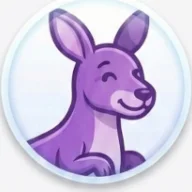
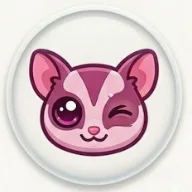
The mob
Eight Aussie locals.
Each one gives your corner a friendly face and a bit of personality.






Classic Chat & Greetings
Familiar conversation and messaging icons, in your choice of colour.
Symbols & Shapes
Helpful symbols, geometric shapes and friendly expressions, in your choice of colour.
Pick one when you set up. Change it any time.
Have a week on us. Card required to activate 7 free days. Then $30/month automatically unless you cancel.